


Microsoft Power BI
- better data insights
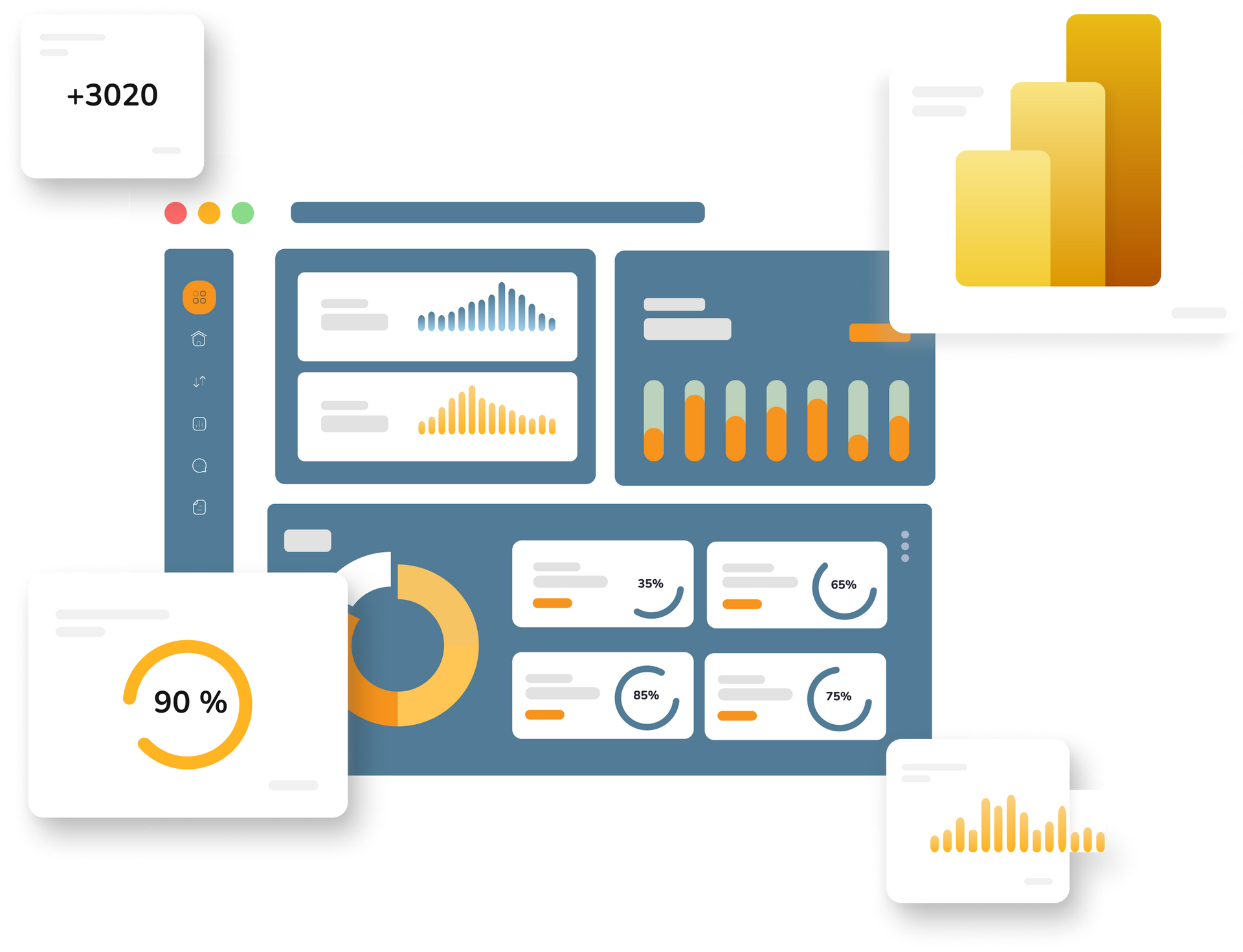
What is Power BI?
Power BI is a Business Intelligence (BI) and data visualisation platform developed by Microsoft. It enables users to turn data from different sources into meaningful, interactive visualisations and reports.
With Power BI, you can gain insights from and transform your existing data using powerful reports and dashboards, that get your message across clearly. This makes it easier to share important, valuable insights across your organisation.
Power BI is alsoa cloud-based tooland part of Microsoft's product suite. This means that Power BI integrates seamlessly with the other Microsoft tools you already know and love.
The program's visual interface and layout also draw on familiar solutions such as Excel and the Dynamics portfolio. So it will be
easy for you to get started
and use the BI solution.
5 benefits of Power BI
Powerful visualisations
Security and administration
Easy integration
Scalability
Cloud-based
This is where Power BI creates better results
Power BI helps businesses understand their data quickly and effectively, leading to better decisions, increased productivity and a competitive edge.
For more than 20 years, Accobat has been a trusted Power BI provider to businesses across a wide range of industries, helping them gain better data insights through robust Power BI solutions.


Why Power BI?
Describe a company quality or feature. Write a short paragraph about it and choose an appropriate icon.
Short title
Get the full picture
Get a complete overview of your key information in one place, and save yourself the effort of reviewing all your different source systems and databases. Turn your data into actionable insights that can form the basis for strong business strategies.
Valuable insights
With Power BI, you can use drag-and-drop functionality to explore your data in depth and uncover trends, relationships and anomalies. Ask questions of your data and get quick answers in interactive reports and charts.
Describe a company quality or feature. Write a short paragraph about it and choose an appropriate icon.
Short title
"Real-time" data
Your business is best positioned for success when collaboration across departments and teams is working well. Power BI can strengthen collaboration between your employees by enabling them to make decisions based on “real-time” data.
Strengthen your position
With Power BI, you can display KPIs for each team, business area or department on a big screen. This gives you an overview of the performance of every employee and process. Together, these insights strengthen your position in the market.
Bring all your data together in one place
Do you do your analysis in Excel? Then you probably also spend a lot of time integrating your different source systems.
Power BI comes with a wide range of prebuilt connectors for many of the most popular source systems. In just a few minutes, you can transfer data from your website, various marketing platforms, or financial systems directly into Power BI.
If you store a lot of your data on a SQL server, you can easily retrieve it from there too. Microsoft continually updates Power BI’s integration capabilities, so the tool stays current.

Which option should you choose?
Power BI Free, Pro or Premium?
Free
For anyone who wants to try Power BI
- The version works like a demo, with certain features unavailable to you.
- You can create reports, prepare and model data, and build visualizations
- No credit card is required to try Power BI Free.
- Refreshes data 8 times a day
- Share reports and dashboards with other Pro users or guests
- Create apps to organize and share content with specific user groups.
- Create embedded reports and access advanced data visualization options.
Pro
Ideal for individuals or small teams.
- Refreshes data 50 times a day
- Share reports freely, internally and externally
- Enables the use of Deployment Pipelines
- Improved performance and scalability
- Advanced administrative controls
Premium
For large organisations or teams that need scalability and advanced administration.
Get more out of your Power BI training
Free eBook
This eBook is intended as a great starting point for beginners looking to get started with BI and effective data reporting. It can also serve as a tool to help more experienced users stay on track as they continue learning. The eBook contains a collection of ideasthat you can use to create an action plan and stick to it.
Microsoft Power Platform gives you access to the data-driven business's favourite toolkit. Power Platform brings together all the tools you need to analyse your data, make better decisions and automate your workflows.
Microsoft Power Platform consists of three products:
Benefit from Microsoft Power Platform
Microsoft Power Automate is the ultimate workflow automation tool. Bring together the applications you need for your project in a single workflow, then watch from the sidelines as your tasks complete themselves.
Hosting an event? Automatically delegate your tasks and get notified when people have completed them.
With Microsoft Power Automate, it’s no cliché to say that the only limit is your imagination.

The centrepiece of Microsoft's Power Platform is, of course, its BI tool: Power BI – and for good reason. Power BI makes it easy for users to gain insight into and get an overview of their data sources.
The main goal is to build a culture where decision-makers can act quickly on facts rather than gut feelings.
Microsoft builds Power BI around four key areas: intuitive, user-friendly design, artificial intelligence (AI) and Big Data analytics.

PowerApps
makes it easy for businesses to develop their own high-quality web applications and is ideal for bringing together the features of different applications in one interface. For example, you can integrate a Microsoft flow with Power BI.
PowerApps is designed with a focus on an intuitive user interface and ease of use. Large companies such as Google and Salesforce are known for developing their own integrations with Power Apps.
Get
started with confidence and ease
At Accobat, we'd love to help you get started or take the next step on your Power BI journey.
We offer a range of events designed to give you all the information you need to get off to a great start.
Power BI Courses
You can attend a course in Copenhagen or Aalborg,
where we teach Power BI at two levels — “intro” and “pro” — as well as a more specialized course in “DAX”.
Find out more about what each course covers and sign up below.

Want to learn more?
We’d be happy to have a free, no-obligation chat about how Power BI could make a difference for your organization.
Accobat is a Microsoft Partner and has been implementing successful Power BI solutions for more than 20 years. We’re ready to guide you every step of the way and help you get started or take the next step on your Power BI journey.

Data visualisation
In many cases, good Business Intelligence is about sharing the insights gained from your data with others.
But the insights uncovered in your data sources can be complex and difficult to present in a way everyone can understand.
The key to it all, of course, is a good understanding of data visualisation.

Learn more about Power BI